O3D-ALIGN
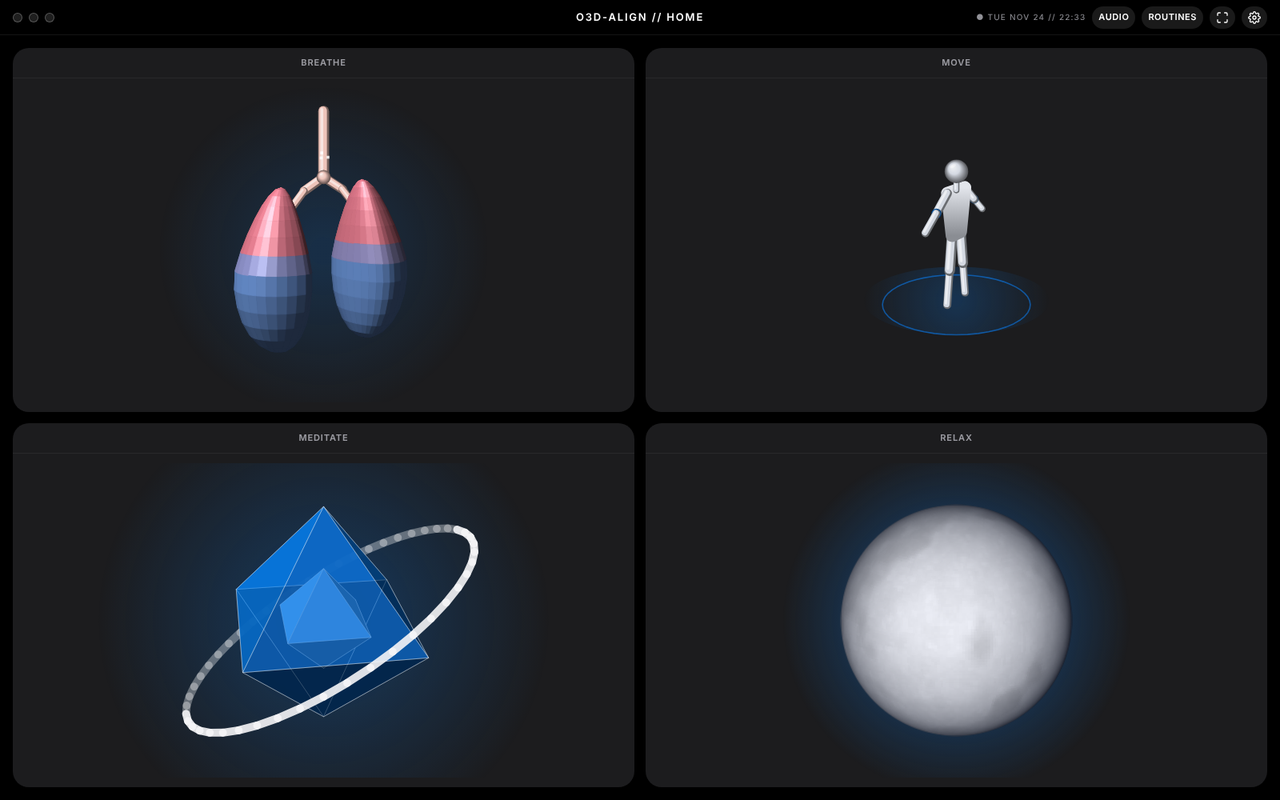
A retro sci-fi wellness console. Breathe, move, meditate and relax from one screen. Matrix green on black, or a clean modern look. Free, no account, and your data stays on your device.
▶ USE WEB VERSION
↓ DOWNLOAD FOR MAC
Free · Mac app tested on macOS Tahoe · Web version works on any modern browser
On iPhone or Android: open the web version, then use Share → Add to Home Screen to install it like an app.
🍔 BUY ME A CHEESEBURGER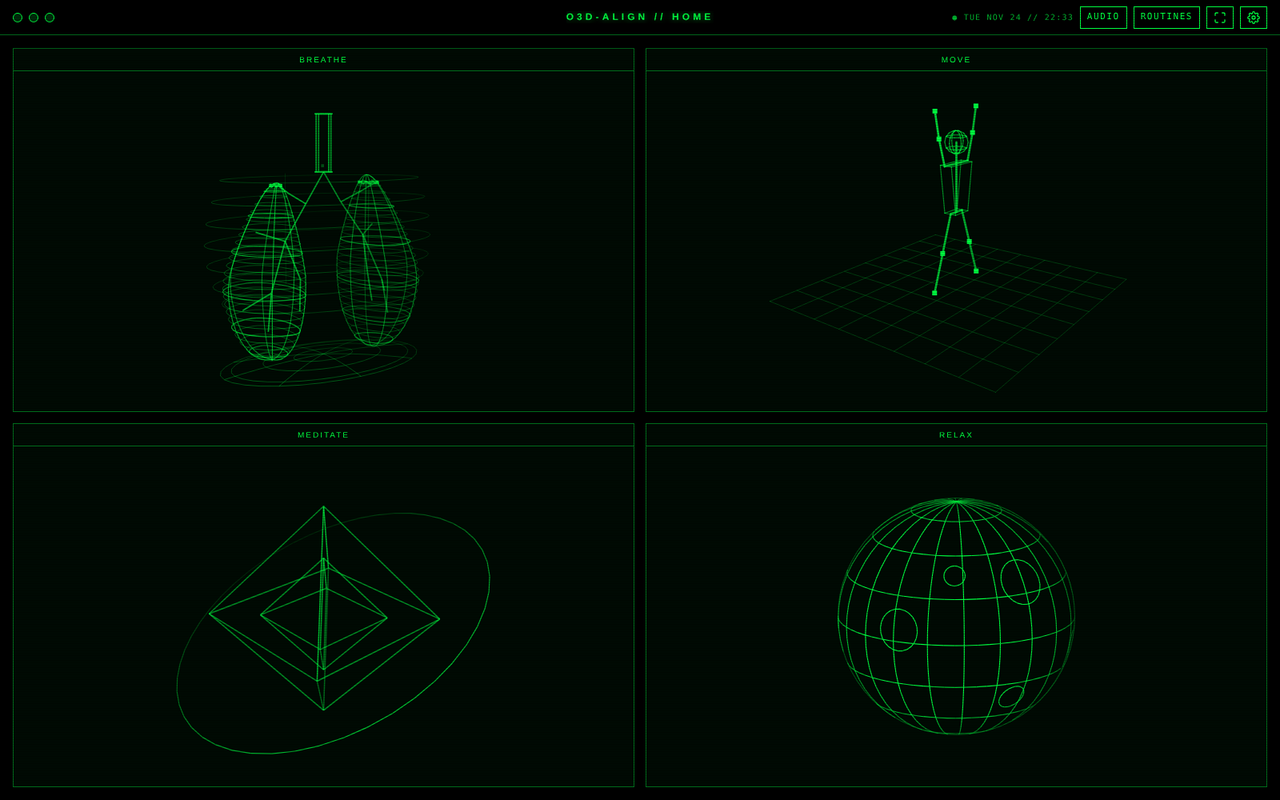
Version 1.0 · I update it regularly. Found a bug? Email me at alex@open3Dlaboratories.com.
FIRST LAUNCH ON MAC
Because this build isn't code-signed yet, macOS will block it on first launch. Cheeseburgers help fund the $99/yr Apple Developer fee to bring it to the App Store and iOS. Until then, follow these quick steps once:
- Open the downloaded .dmg and drag O3D-ALIGN into Applications.
- Open O3D-ALIGN from Applications. A message will say it can't be opened. Click Done.
- Open System Settings, then Privacy & Security.
- Scroll down to Security. You'll see "O3D-ALIGN was blocked". Click Open Anyway.
- Enter your password or use Touch ID, then click Open Anyway once more.
- O3D-ALIGN opens in its own window. After the first time, open it normally.
BREATHE
Guided breathwork with a 3D lungs visual, voice cues and your own custom protocols.
MOVE
No-equipment bodyweight workouts from 5 minutes to 1 hour, with an animated 3D figure.
MEDITATE
Guided meditation sessions with a calm voice and a slow visual.
RELAX
Layer solfeggio tones, rain and affirmations. Nights up to 24 hours, or schedule a start and end time.
COMBOS
Chain breathwork, a workout and a meditation into one routine and run it start to finish.
2 LOOKS
Retro Matrix console with wireframe visuals, or a clean modern look with solid 3D visuals.